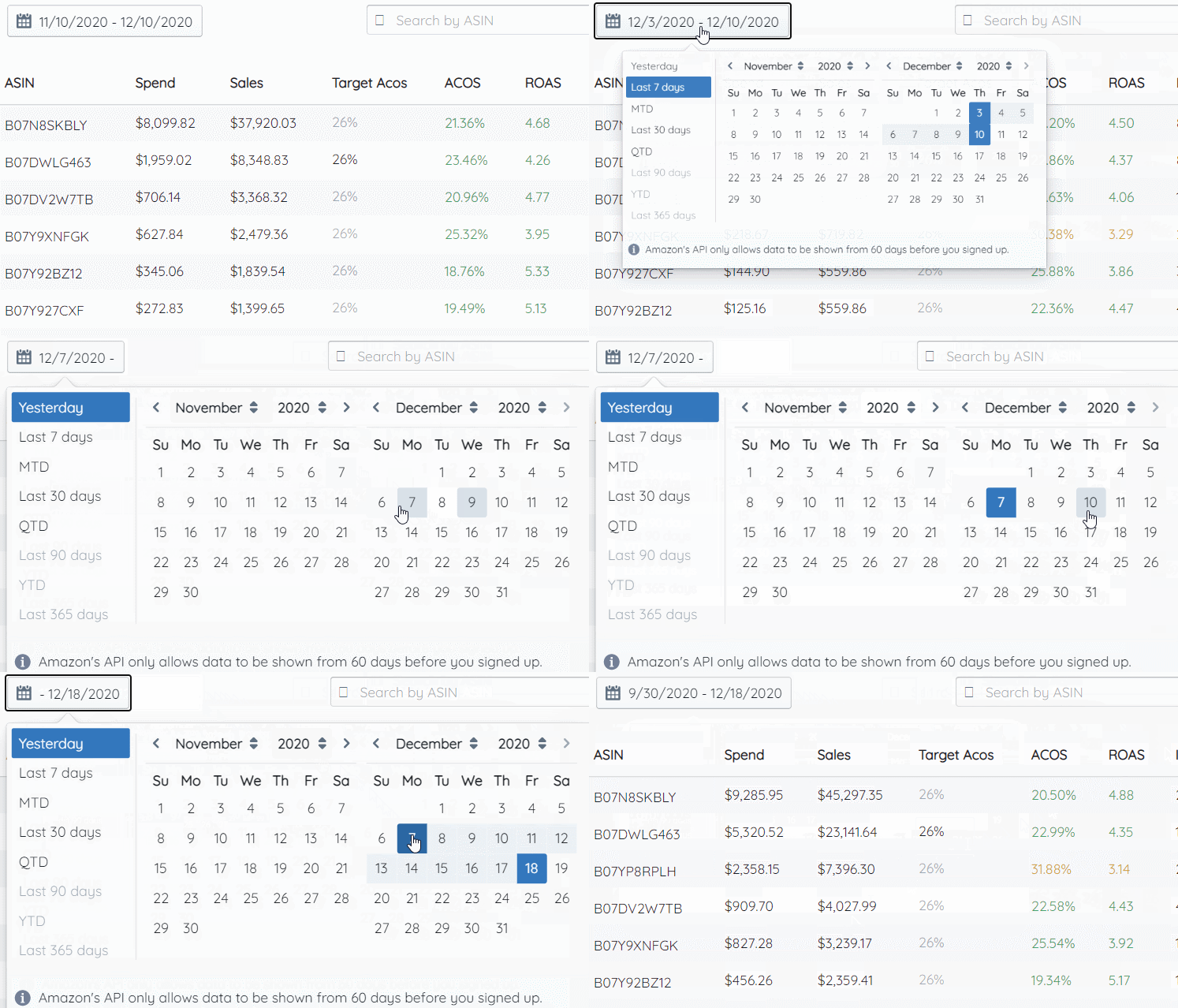
Use the Date Range Selection button to change the dates that Merch Jar will pull data from and display in a table.
- When you click on the button, you can select one of the preset date range options on the left-hand side, or select any two dates in the calendar view.
- Merch Jar will display all data that falls under the date range filter you apply.
- Note that same-day data is rarely available on Amazon Advertising.