Change the daily budget of your campaigns in the Campaigns module on the Merch Jar app. There are two methods of changing the daily budget of a campaign:
- Change a single campaign daily budget
- Change campaign daily budgets in bulk
Change a single campaign daily budget
- Find the campaign you'd like to change the daily budget
- In the field in the Budget column, type in the new daily budget
- Click save or press enter to submit
Change campaign daily budgets in bulk
- Navigate to https://app.merchjar.com/campaigns
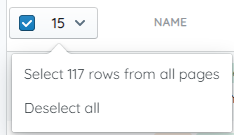
- Use the selection boxes to select the ads you'd like to set the state
- Click bulk actions
- Select Change Daily Budget
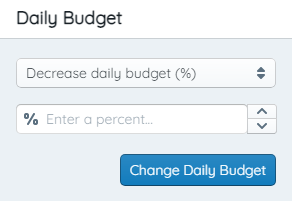
- Use the dropdown to increase or decrease the daily budget by percent or dollar amount, or set to a specific budget
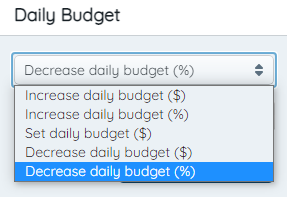
- Enter your daily budget change and click submit
- Click submit