
Meta Ads Bulk Upload Tools: The 10 Best Options in 2027

If you sell on Amazon, you already know bulksheets. You change hundreds of bids in one upload and you check the error report before you commit. Then you open Meta Ads Manager, and every ad needs its own clicks. Forty ads, each with the right name, the right creative and the same UTMs, take an afternoon.
Meta ads bulk upload tools remove that work. This list has ten of them for 2027. It starts with AdManage, a tool built only for bulk launching. Then it covers Meta’s free Excel import, feed tools that make ads from a product list, and a few tools for agencies. We read each vendor’s site on 18 September 2026. Prices and features change, so check the vendor before you buy.
Quick summary
- AdManage: best for brands and agencies that upload creative once and launch hundreds of ads.
- Meta’s bulk import: best for one account that needs a free spreadsheet import today.
- Marpipe: best for ecommerce brands that want catalogue ads made from a product feed.
- Adflow: best for European stores that want well-designed dynamic product ads.
- Adplorer: best for agencies that edit hundreds of local accounts at once.
1. AdManage
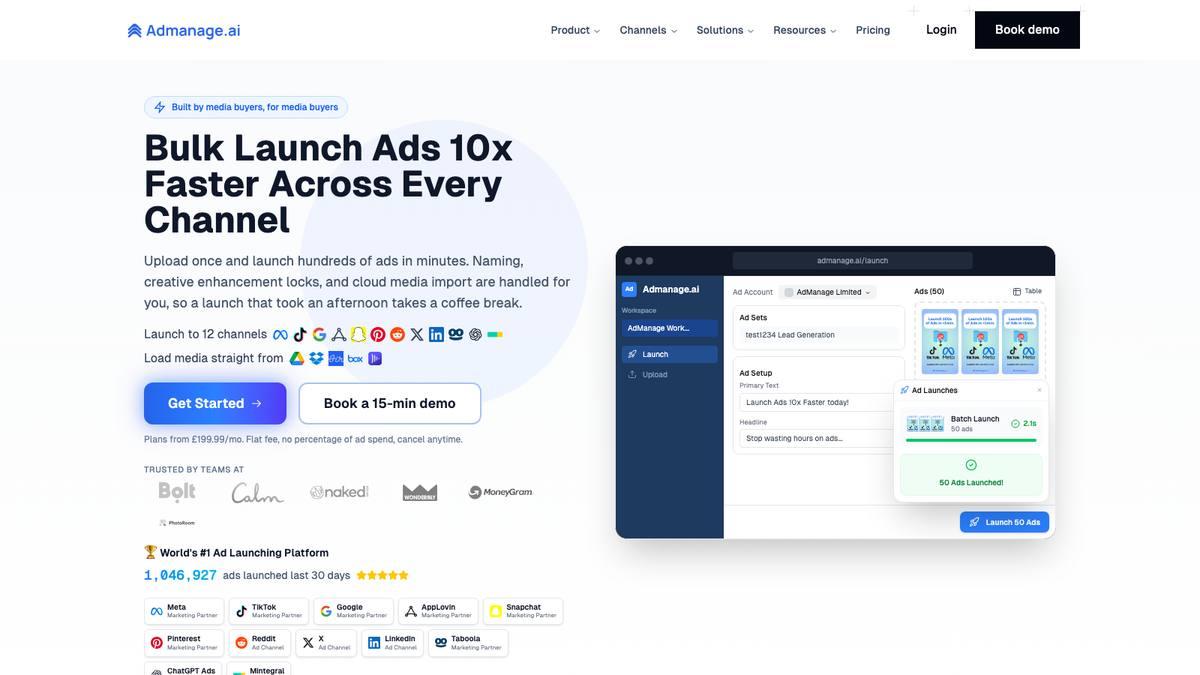
AdManage is a bulk ad launcher made by media buyers. You add creative from your computer, Google Drive, Dropbox, Box, Frame.io, Air, Canva or SharePoint. You can also start from a Google Sheet with its free plugin. AdManage then does the launch work:
- It applies your naming template to every ad.
- It reads more than 40 filename patterns, so the 1:1, 4:5 and 9:16 versions of one idea go to the correct placements together.
- It sets UTMs and placements from your launch rules.
- It publishes the batch to Meta and up to eleven other channels.
The model is close to an Amazon bulksheet. The difference is that the spreadsheet is optional and the error checks are built in.
Two features fix common bulk-upload problems. The enhancement lock turns off Advantage+ creative changes, so the ads that go live are the ads you made. Post ID reuse imports existing ads by post ID, so a proven post keeps its likes, comments and shares.
AdManage also has scaling and pause automations, an AI creative studio, a library of 5.8 million competitor ads, and an API with MCP support. You can start launches from Claude or ChatGPT. It is a marketing partner of Meta, TikTok, Google, Snapchat, Pinterest and AppLovin. Its homepage showed 1,046,927 ads launched in the last 30 days.
Why it is number one:
- Customers report large time savings. Pure Pet Food went from a full day to seconds for a thousand-ad launch. HOPR launches 100+ ads in under a minute. obvi went from two hours to twenty minutes.
- Pricing is flat, with no percentage of ad spend. Essential is £199.99 a month (one ad account, two team members). In-House is £499.99 (five accounts). Agency is £999.99 (ten accounts). Enterprise is on request. A money-back guarantee runs 7 to 30 days.
- It handles formats a spreadsheet cannot: post ID ads, Partnership Ads, flexible ads, carousels, collections, catalogue ads, lead-gen ads and multi-language tests.
Best for: brands and agencies that launch more than a few Meta ads a week and want consistent setups in minutes.
2. Meta's bulk import
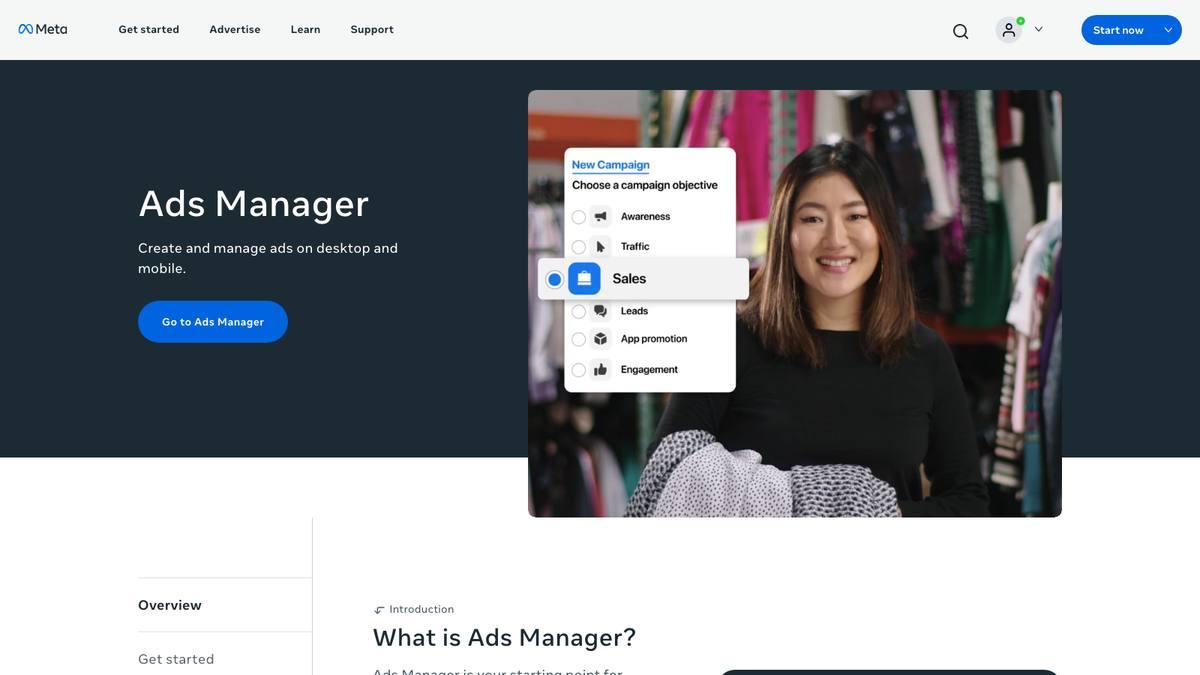
Ads Manager has its own spreadsheet route. Click the Import or Export icon and download the Excel template. Fill in your campaigns, ad sets and ads. Required columns include ad name, body, image, title, countries and optimisation goal. New campaigns also need a buying type and an objective. Then choose Import ads in bulk under the More menu, upload the file and add your images and videos. A summary shows warnings and blocking errors before anything goes live.
The limits explain why paid tools exist. The file is capped at about 2MB. It works on desktop only. Ad names are limited to 35 characters. Video import allows ten videos of 10MB each. Some ad features are not supported. There is no creative matching, no cross-account launch and no naming logic. For one account and a small batch, it is free and it works.
Best for: a single account that needs a spreadsheet import today.
3. Marpipe
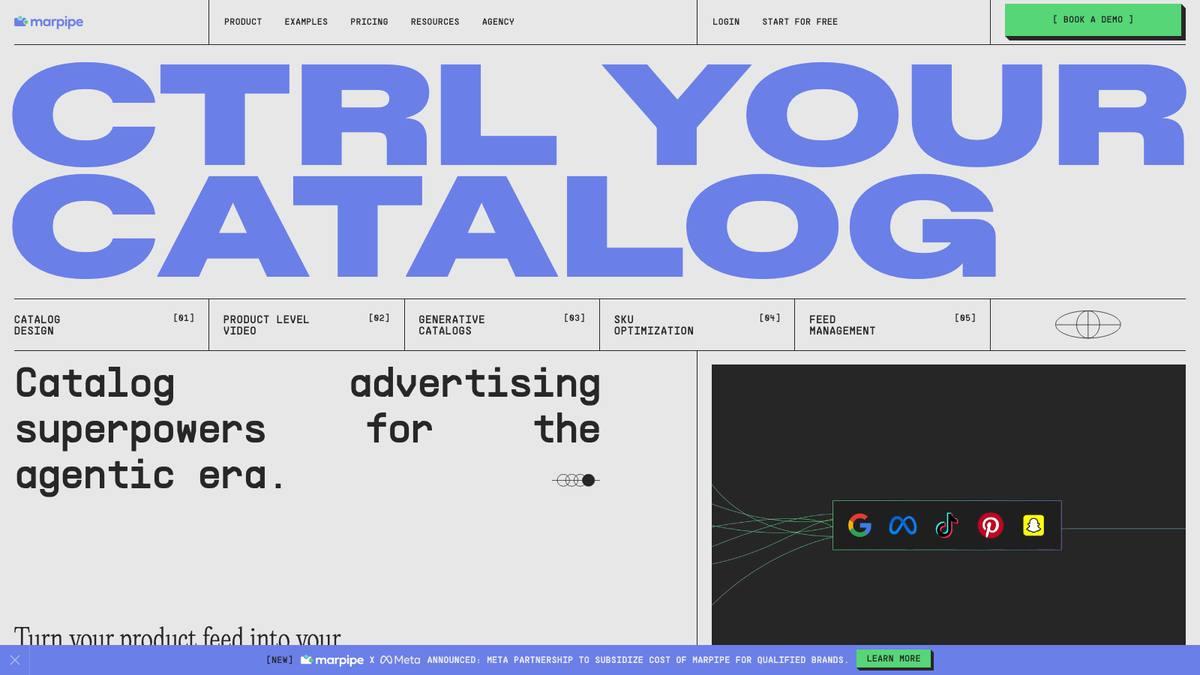
Marpipe turns a product feed into catalogue ads, including video and AI-made versions. It says more than 7,000 marketers use it. It supports Meta, Google, Snapchat, Pinterest, X and Reddit. If you have hundreds of products, the feed is your spreadsheet.
There is a free Catalog Creative tier. The Startup plan costs $199 a month for one channel, three live designs and 500 SKUs. Enterprise costs $999 a month. Managed feed work costs $0.05 per SKU, with a $400 monthly minimum. Marpipe makes catalogue ads only, so it works next to a launcher, not instead of one.
Best for: ecommerce brands that want hundreds of product ads made and refreshed from a feed.
4. Adflow
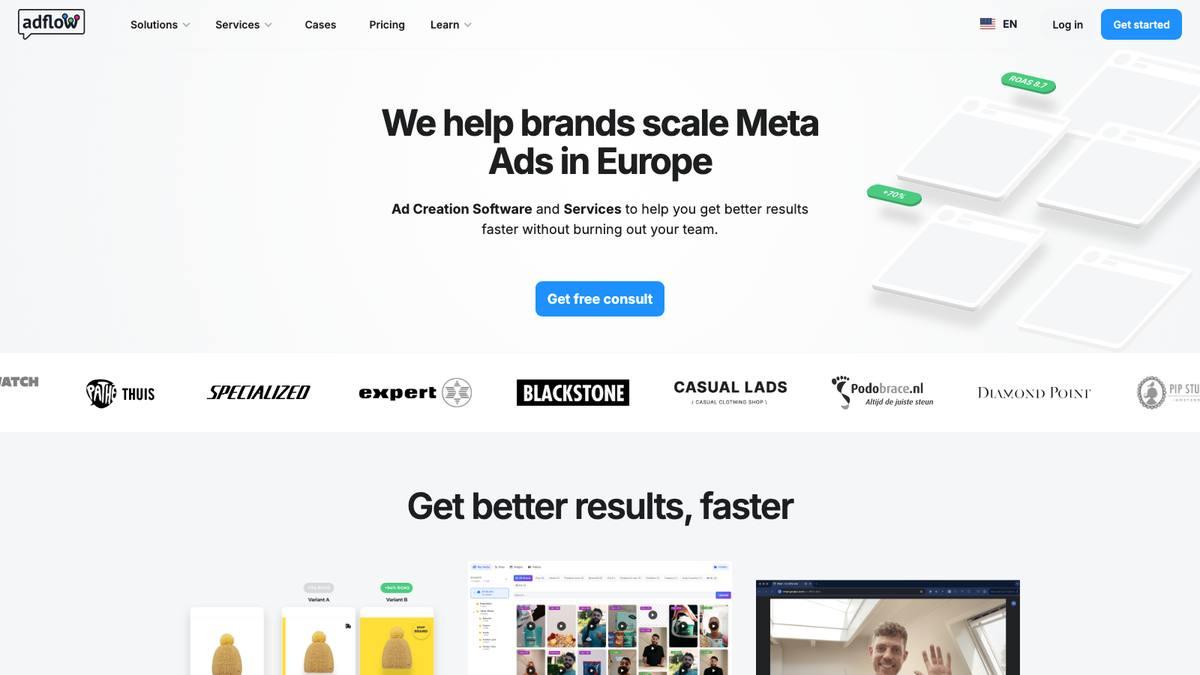
Adflow is a Dutch company. It takes a product feed and makes designed dynamic product ads and static ads for Facebook, Instagram and Pinterest. The feed updates daily, and design changes do not reset the ads. It targets European ecommerce brands that spend €50,000 a month or more, and it is a Meta Business Partner.
Pricing follows catalogue size: €199 a month for 1,000 items, €249 for 2,000, €299 for 3,000, and custom above that. There is a 14-day trial. The site footer shows 2024 and quotes over 5,000 ads generated, so this is a small, focused tool. It has no launcher and no rules. It makes the creative, and Meta’s catalogue delivers it.
Best for: European stores that want dynamic product ads that look designed.
5. Adplorer
Adplorer is local advertising software for agencies, multi-location businesses and franchise brands. Its bulk editing tool is the reason it is on this list. The site quotes more than 700,000 bulk campaign changes and creations across Google, Microsoft, Meta, Spotify, Amazon, TikTok and LinkedIn. The company is sixteen years old, manages $750 million, and is a Meta Business Partner.
Pricing is not published, and the pricing page did not load when we checked. The product solves a franchise agency’s problem: one change across hundreds of accounts. It is less suited to a single brand.
Best for: agencies that need one change applied to hundreds of local campaigns.
6. Adhook
Adhook is a Swiss social media suite with an advertising module. It covers Facebook, Instagram, LinkedIn, TikTok, X and Google Ads. Its form of bulk is automatic campaign creation for branch offices from a central template. It also has campaign import, templates and if-then rules.
Pricing is on request. Essentials covers one brand and up to €5,000 of monthly spend. Professional covers five brands and up to €10,000. Enterprise covers ten brands with no spend limit. It shows a LinkedIn Marketing Partner badge but no Meta badge. Publishing comes before advertising in the product.
Best for: organisations with many branches that want each branch’s local campaign created automatically.
7. Adscook
Adscook is a Facebook-only ads platform. It builds bulk ad variations, duplicates ads and ad sets, rebalances budgets, and runs rules around the clock on ROAS, revenue, CPA, spend and reach. It claims more than 25,000 ad accounts managed.
Pricing uses a slider by ad spend. The default showed $29 a month for up to $5,000 of monthly spend, with a seven-day trial and no card. The blog stopped in August 2023 and the footer shows 2024. It is cheap and stable, but it is not moving forward.
Best for: small Meta-only advertisers who want cheap bulk variations and basic rules.
8. Socioh (rebranding as goodAds.ai)
Socioh makes branded dynamic product ads for ecommerce. It offers catalogue and feed automation, template-based creative, A/B tests and scheduling. A banner on the site says it is changing its name to goodAds.ai. It claims more than 750 brands and 35 agencies, and it is a Meta Business Partner. It also covers TikTok, Pinterest, Snapchat and AppLovin.
Pricing is at the agency end. Starter is $1,100 a month for stores under $250,000 of monthly revenue. Growth is $2,100, Scale is $3,500, and Enterprise starts at $5,000. Another part of the site quotes a lower Enterprise price. There is no trial. It is closer to a design service with software than a self-serve upload tool.
Best for: larger ecommerce brands that want their catalogue creative designed and managed for them.
9. Adcore
Adcore is a Toronto-listed software company with a suite of apps. Feeditor handles feeds. Views builds and automates campaigns. Semdoc does analysis. Alerter sends alerts. There is also a free Effortless Feed tier. Adcore is a Google Premier Partner and a Microsoft Elite Partner. Its bulk strength is on the feed side. Meta is a feed destination in Effortless Feed, not a channel you launch to.
Each app costs $79.99 a month billed yearly, or $139.99 billed monthly. All apps together cost $99.99 a month billed yearly. There is a 21-day trial.
Best for: sellers whose bulk problem is getting a clean product feed to Meta, not launching ads.
10. AdEspresso
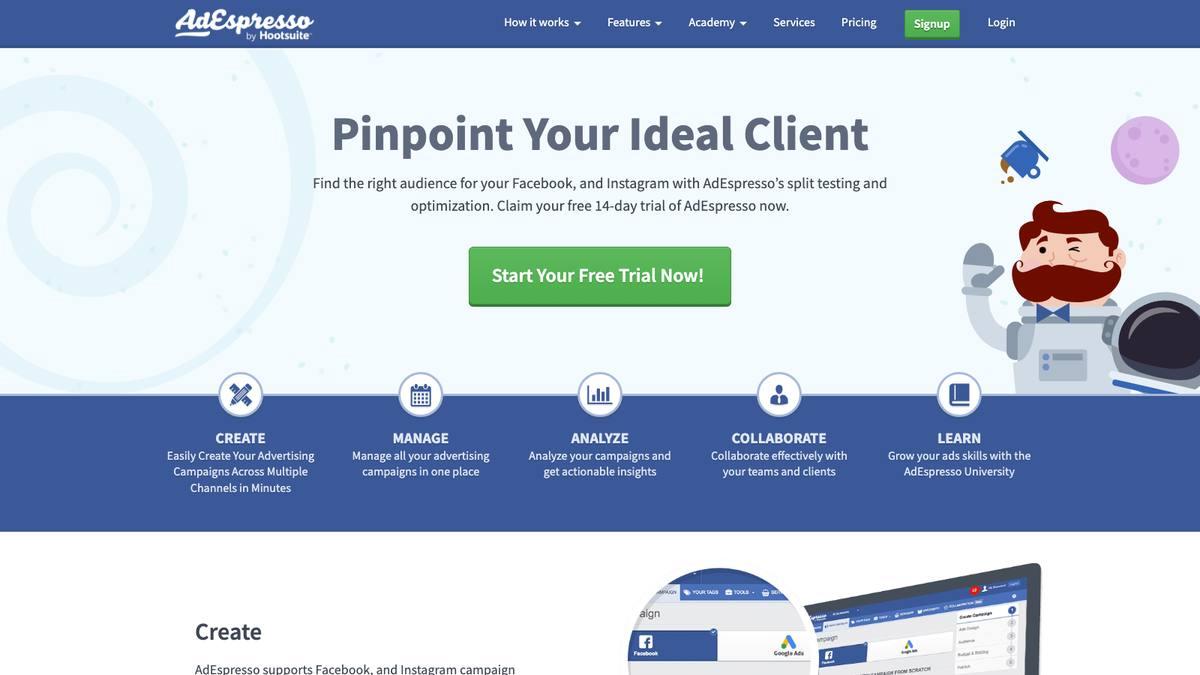
Hootsuite has owned AdEspresso since 2017. It covers Facebook and Instagram, with split testing, approval workflows, performance triggers across campaigns and, on the Plus plan, bulk creation. Its counters show more than 111,000 accounts created and more than ten million ads made.
Starter is $49 a month for up to $1,000 of monthly spend. Plus is $99 with unlimited spend, bulk creation, 15 seats and white-label reports. Enterprise starts at $259. There is a 14-day trial. The blog has not changed since January 2023, so judge it by what it does today.
Best for: small teams that want simple bulk creation and split testing at a low price.
Side-by-side comparison
| Tool | How it does bulk | Channels | Price | Watch for |
|---|---|---|---|---|
| AdManage | Upload once, launch hundreds with naming, UTMs and post IDs | Meta plus 11 | From £199.99/month, flat | 7 to 30 day money-back |
| Meta bulk import | Excel template | Meta | Free | 2MB file, desktop only |
| Marpipe | Catalogue ads from a feed | Meta, Google, Snapchat, Pinterest, X, Reddit | Free; $199; $999/month | Catalogue only |
| Adflow | Designed dynamic ads from a feed | Facebook, Instagram, Pinterest | €199 to €299/month | Priced by catalogue size |
| Adplorer | Bulk edits across accounts | Google, Microsoft, Meta and more | Not published | Franchise focus |
| Adhook | Automatic branch campaigns | Meta, LinkedIn, TikTok, X, Google | On request | Publishing comes first |
| Adscook | Bulk variations and rules | Meta only | From $29/month | Blog quiet since 2023 |
| Socioh / goodAds | Designed catalogue creative | Meta, TikTok, Pinterest, Snapchat | From $1,100/month | Mid-rebrand |
| Adcore | Feed tools | Google, Microsoft, TikTok; Meta as feed destination | $79.99 per app/month | Google-first |
| AdEspresso | Bulk creation on Plus | Meta only | $49 to $259/month | No updates since 2023 |
What an Amazon seller should look for
Amazon bulk operations teach three habits. Name things the same way every time. Change many things at once. Read the error report before you upload. Use all three on Meta.
Pick the tool that enforces naming and UTMs at launch. Those two things make your reports readable later. Then check what happens to your creative. Meta’s Advantage+ can change your ads unless something stops it, and few tools give you that switch.
Last, decide if your problem is ads or products. With forty ideas to test, you need a launcher. With four thousand SKUs, you need a feed tool. Some sellers need both.
Frequently asked questions
Can I bulk upload Meta ads for free?
Yes. Use the Excel template in Ads Manager. It suits one account and a small batch. It has a 2MB file cap and no naming or creative logic. Paid tools pay off when you launch often, across accounts, or with creative in several formats.
Do bulk upload tools break Meta's rules?
No. They use Meta’s Marketing API, and several tools here are Meta Business Partners. Meta’s policies cover what your ads say and show, not how you upload them.
Do bulk-launched ads perform worse than hand-built ads?
No, if the inputs are the same. Inconsistency hurts performance: wrong placements for a format, missing UTMs, or creative changed after launch. A good launcher removes those errors.
Should I use my Amazon bulksheet habits on Meta?
Yes. Name by template, launch in batches and read the error report. The sellers who do best on Meta treat it as a system. Amazon already taught them how.
Where to start
If you launch Meta ads at any volume, AdManage is the tool built for the job. Upload once, launch hundreds, keep your names, UTMs and post IDs, and pay a flat fee. Use Meta’s free import while you are small. Add a feed tool such as Marpipe or Adflow when your catalogue is the bulk problem. Leave the franchise tools to the agencies that need them.
Keep your Amazon ads running while you build the Meta side. MerchJar automates bids, keyword harvesting and negatives on Amazon, and it shows every change before it runs. A good Meta launcher follows the same rule: the machine does the repetition, and you keep the decisions.