
AI for Amazon PPC - What to Delegate and What to Review
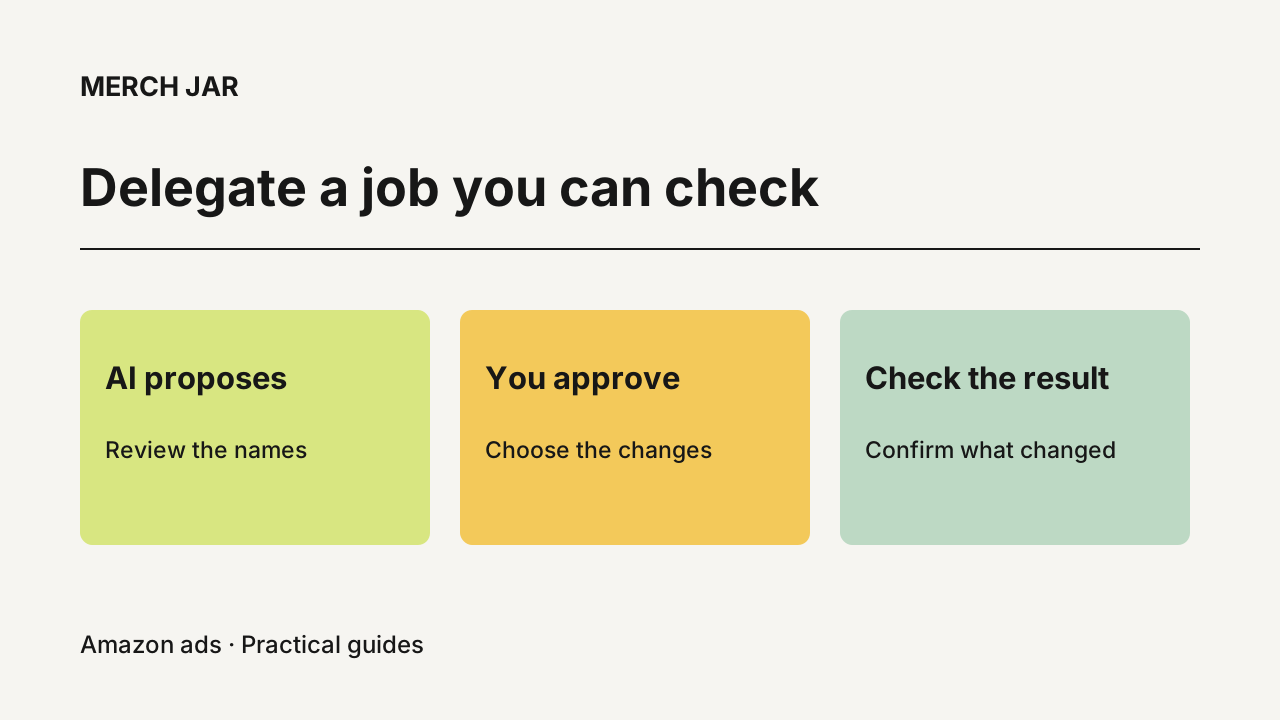
Use AI for the work you can inspect before it changes your Amazon ad account. Have it investigate a performance change, propose cleaner campaign names or draft the logic for a recurring bid adjustment. Keep the business goal and approval with you. Before anything runs, you should be able to see which campaigns or targets it affects and why.
The useful starting point is one job that’s taking too much of your time. A messy campaign list is a good example. You already know what a better result looks like, and you can check it without waiting a month for sales data.
Give AI a specific job with an observable result
A request like this gives you something concrete to review.
Help me clean up my campaign names.
The next step is to agree on what those names need to tell you. You might want the product identifier first, followed by the campaign’s purpose. If the existing names are inconsistent, the AI needs to inspect the campaigns or ask you what an unclear label means. It shouldn’t turn a guess about a campaign’s purpose into an approved name.
In our campaign-naming demonstration, the Copilot proposed a convention and Cameron refined it to put the ASIN first. The session then showed the proposed renames for review. After approval, the response reported 21 verified renames, and the refreshed Amazon console showed the changed names. Three campaigns were held, with the Lottery campaign separately protected.
That last part belongs in the result. If you requested 25 changes and 21 were confirmed, you need to know what happened to the other four. A completion message that leaves out the exceptions gives you another investigation to do.
The recording also includes a check for automation that depends on campaign names, with a caveat about disabled rules. It doesn’t establish that every possible dependency was checked. Before your own rename, review any naming filters or external processes you rely on, including rules you might enable later.
Our campaign settings guide explains how to review an update and read the campaign back afterward. The same habit is useful for any approved account change. Compare the requested result with the state that actually exists.
Keep the business context in the conversation
An ad report can tell you how much you spent and what sales were attributed to that spend. It can’t tell an AI whether you’re comfortable losing money on a product launch unless you provide that context.
Suppose a product has $2,400 in attributed sales and $800 in ad spend. Its ACoS is 33.3%. If the contribution margin before advertising is 20%, those sales contribute $480 before ad costs. After the $800 spend, the contribution is negative $320.
The arithmetic is useful. Deciding whether to keep spending still requires your judgment. You might have an approved launch budget, a stock issue or a goal that isn’t captured in that report. Those facts change the recommendation.
Write down the context that would change your answer. For example, which products are being launched, which need to make a profit now, and what spending limits you’ve agreed to. Give the AI the context relevant to the job, then ask it to identify anything it still needs.
A natural opening is enough.
Help me bring my ACoS down.
If it doesn’t know your target or which products need different treatment, that should lead to a question. Then it can propose an approach for you to inspect. You shouldn’t need to arrive with a complete formula, but you do need to recognize whether its proposal matches how you want to run the account.
Separate an analysis from a proposed change
Start a performance investigation by asking the AI to show its evidence.
What changed in this account last week?
A useful answer identifies the account and dates it examined, shows the rows behind the change and explains what remains uncertain. If spend rose, you should be able to trace that increase to particular campaigns or targets. If it calls traffic unprofitable, check the sales window and the margin assumption before accepting that label.
You can then decide which finding needs action. An irrelevant search term might warrant a negative. A relevant term with a small amount of recent traffic might need more observation. These are different decisions even if both rows currently show no orders.
Keep the proposed action next to the evidence. A recommendation to lower a bid should identify the affected target, current bid and proposed bid, with enough explanation for you to check the change. When the AI can’t establish a fact, leave that item out of the approved batch until it’s resolved.
Review recurring automation more carefully than a one-time edit
A naming change happens once. A bid rule can keep acting as new data arrives, so the review needs to cover repeated runs.
In Merch Jar, the Copilot works from files in your own AI client and uses the Merch Jar API. It can draft and explain Segment logic. A Segment selects the items that match your conditions; an attached Workflow defines the recurring action. You review the logic and matching results before enabling the automation. New automation starts disabled, and a human enables it. Merch Jar then runs the enabled Workflow on its schedule.
Check the proposed rule against situations you actually encounter. A keyword with a few orders may need different treatment from one with hundreds. A recent promotion may make the latest week a poor guide to the next one. And a rule that reduces a bid by 10% each time it runs will keep reducing it while the target still qualifies.
For example, a $1.00 bid becomes $0.90 after one 10% reduction. Three successive reductions bring it to $0.729 before rounding or any limits. If that isn’t the behavior you intended, revise the rule or its schedule before enabling it.
Ask what will stop the action, and check the chosen bid limits. Syntax validation can establish that the logic is valid. It doesn’t establish that your strategy is sensible or that repeated changes will produce the result you want.
Save the decisions you want to reuse
Once you’ve reviewed a convention or a rule, keep the approved version somewhere the next session can use it.
For campaign names, that means the naming convention and the exceptions you’ve accepted. For automation, keep the goal alongside the logic, its schedule and the conditions that should trigger another review. Someone returning to the account later should be able to understand why the rule exists.
Our naming demonstration shows this with the saved convention and a proposed name for a future campaign. It did not create that campaign. Reusing an approved convention can reduce repeated explanation, while the next actual account change still needs its own review.
If you’re starting with the Copilot, use the setup guide and choose one job you can check from beginning to end. The Library has skills and templates you can use as a starting point. Bring the goal, review the proposed work, and check the result in the account before expanding the scope.